
-(1).jpg&w=3840&q=75)
USB-C Ethernet Adapter with PD
£33.99
We use essential cookies to keep your basket and checkout working. With your permission, we also use analytics to improve the website and marketing cookies to measure our advertising.
Connect compatible devices with USB adaptors for USB-C, USB-A, HDMI, Ethernet, DisplayPort and other connections. Check the adaptor type and your device ports before choosing.
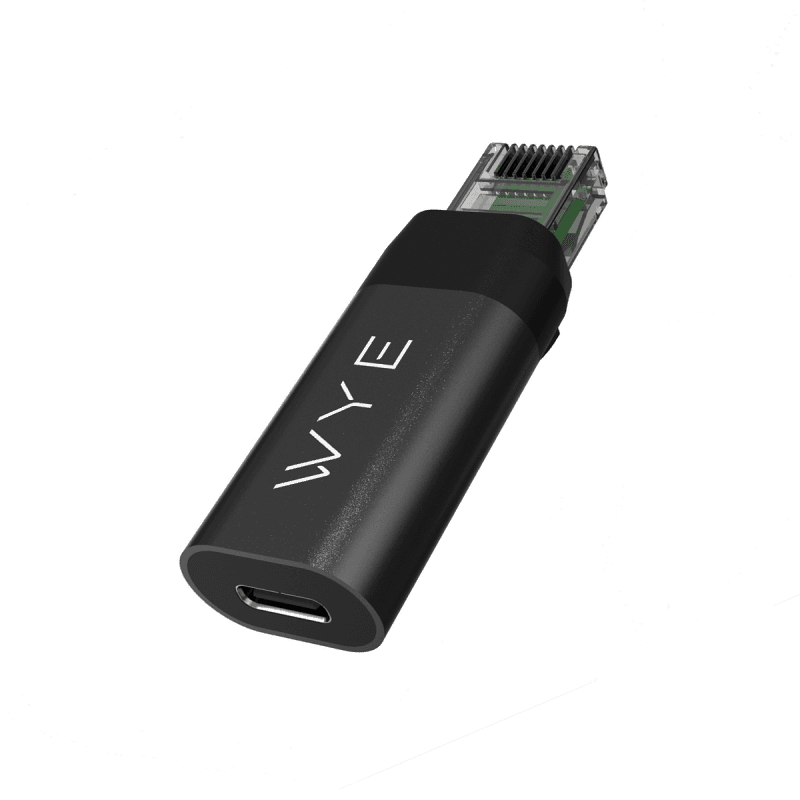
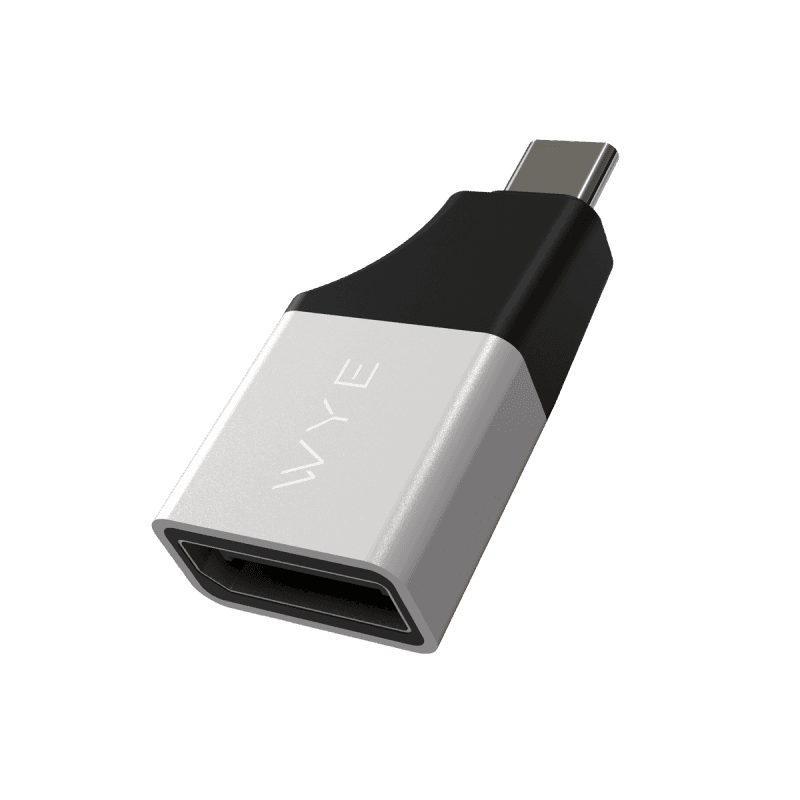
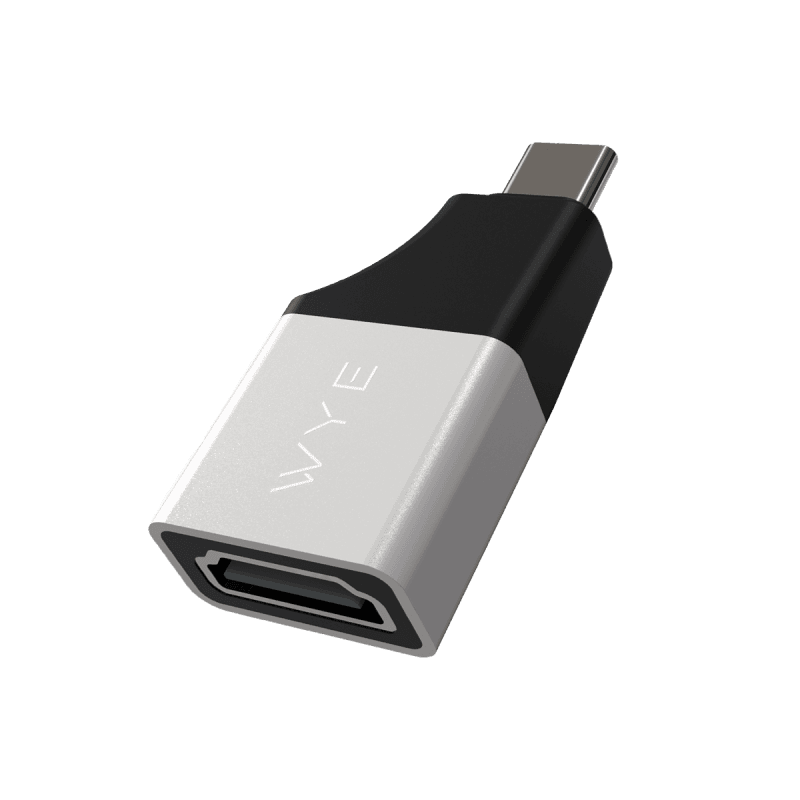

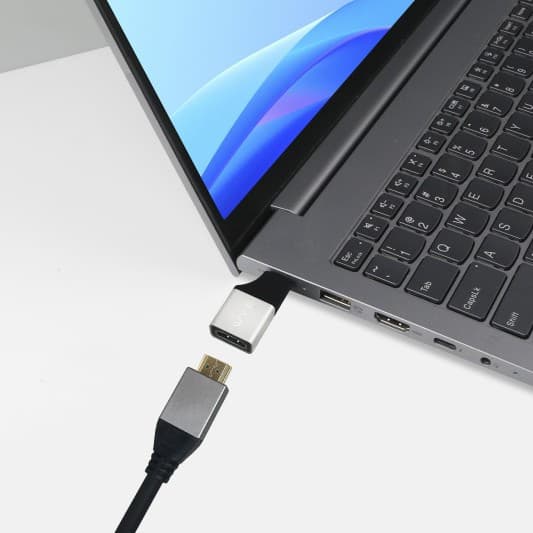
8-Pin to HDMI
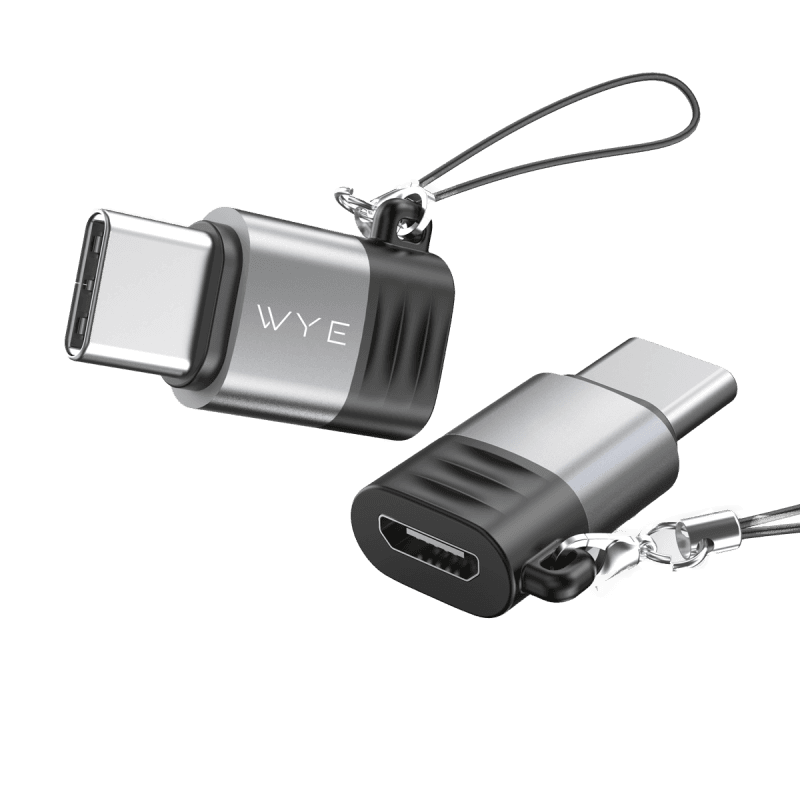
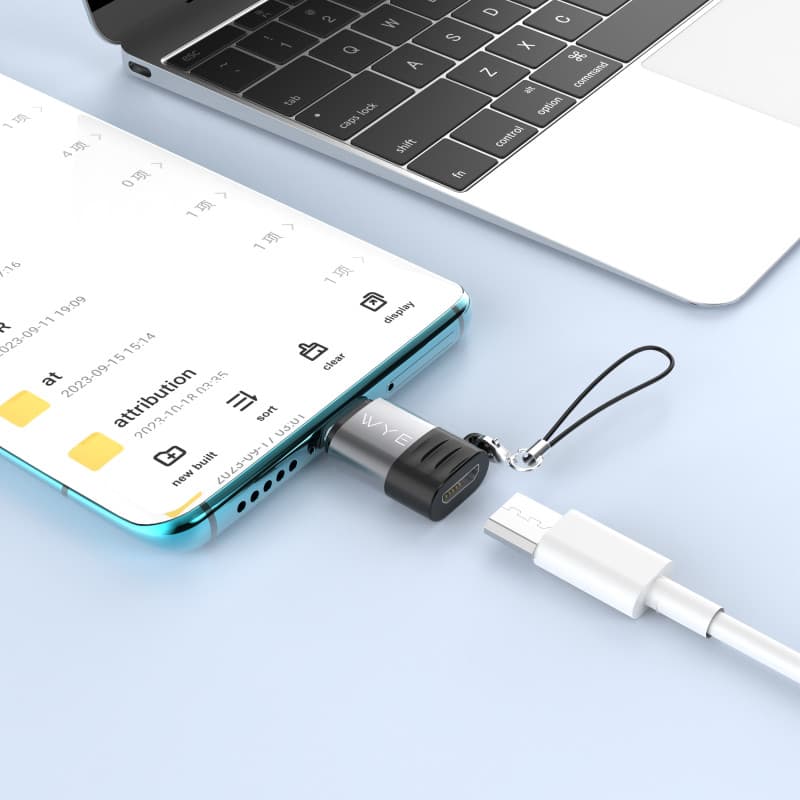
Micro to USB-C
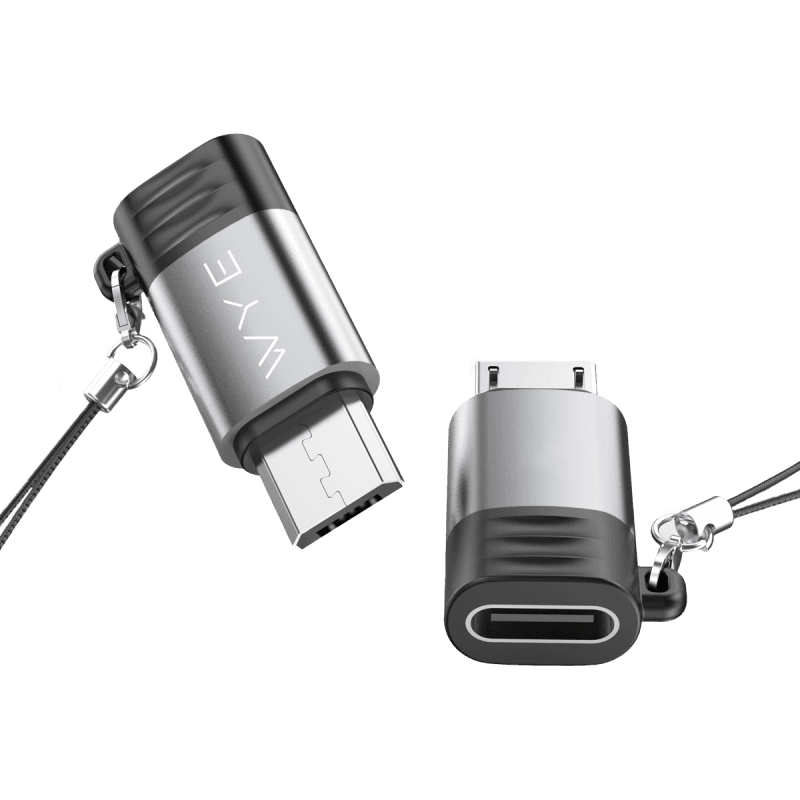
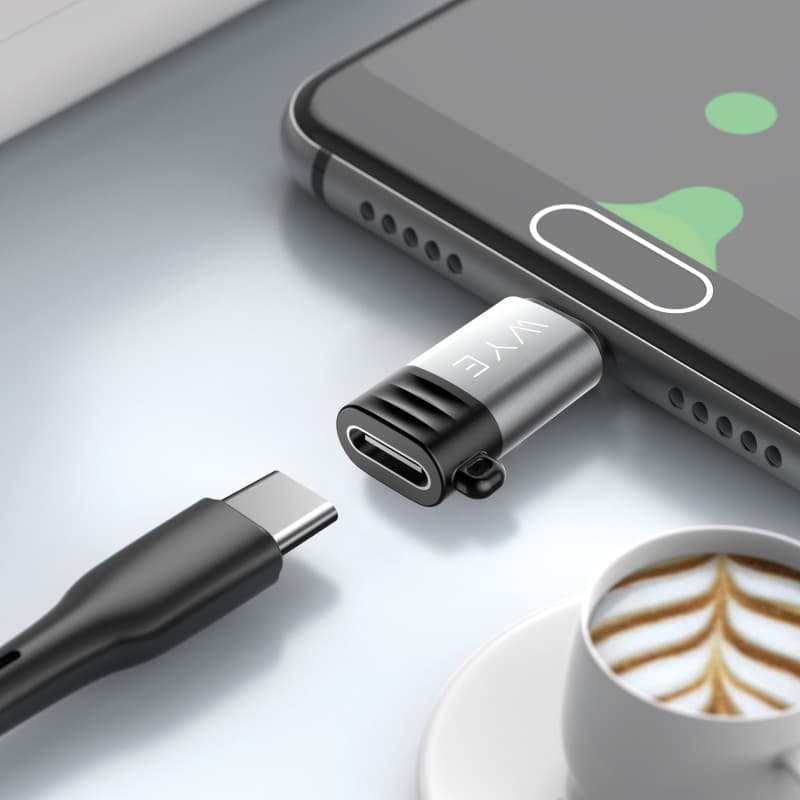
USB-C to Micro
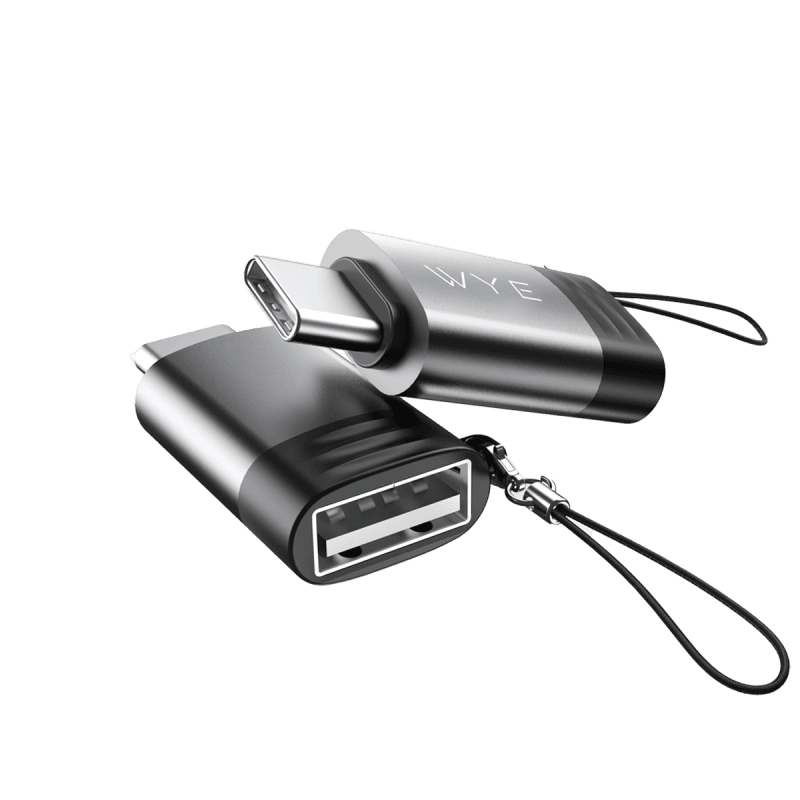
USB-A to Micro
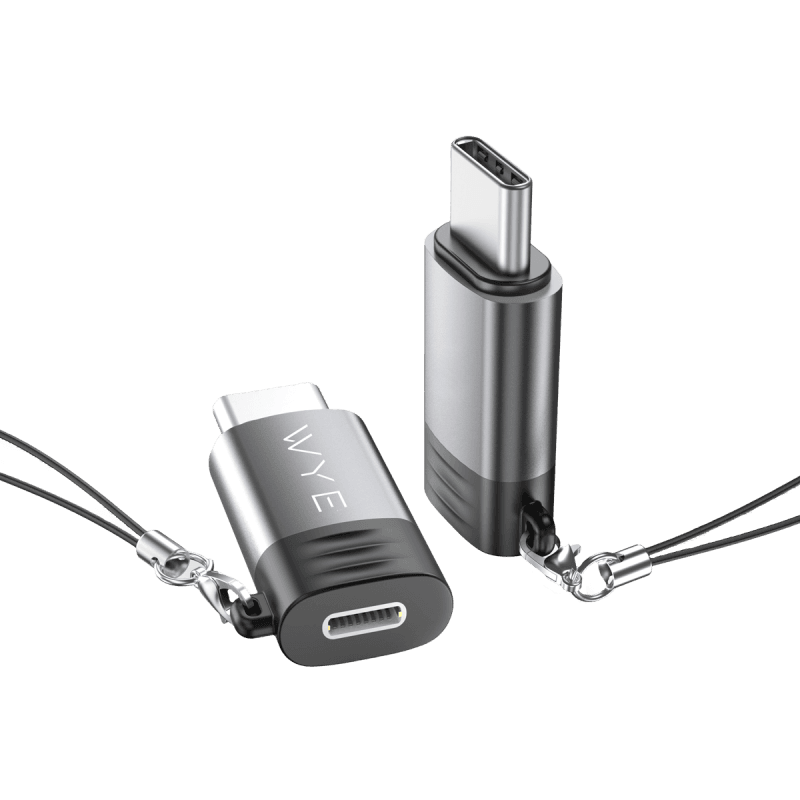
Showing 9 of 9 products
USB connectivity
USB adaptors can help connect devices with different ports or add a connection that your device does not have. WYE's USB adaptor range includes options for USB-C, USB-A, HDMI, DisplayPort, Ethernet and other connections.
Before choosing an adaptor, check the ports on both devices and confirm the connection you need. For display, networking or charging-related connections, also check the relevant device and adaptor specifications to make sure they support your intended use.
Start by identifying the ports on the devices you want to connect. USB-C and USB-A adaptors can provide different connection options, while USB-C adaptors can also support connections such as HDMI, DisplayPort or Ethernet where the individual product is designed for that purpose.
The type of connection you need is the most important starting point. Check the product description and specifications for the adaptor before ordering, particularly when you need a specific display, network, data or charging connection. If you are unsure, compare the adaptor's connector types with the ports and requirements of your devices.
Check the ports on the devices you want to connect and the connector types supported by the adaptor. For display, networking, data or charging connections, also check the relevant product specifications and compatibility information.
USB-A and USB-C are different connector types. The right adaptor depends on the ports available on your devices and the connection you need to make. Check the individual product information before choosing.
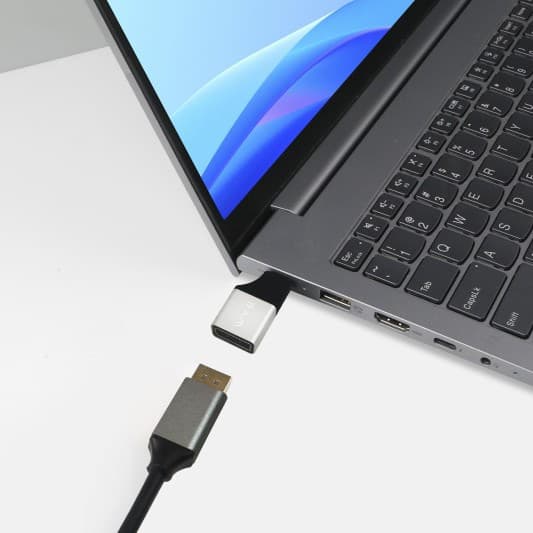
Some USB adaptors are designed for display connections, including HDMI and DisplayPort adaptors. Check the individual adaptor and your device specifications to confirm compatibility before buying.
Some USB-C adaptors provide an Ethernet connection. Check the individual product description and specifications, as compatibility and supported connections vary between adaptors.
This depends on the adaptor. Some adaptors are designed for connection or data purposes rather than charging. Check the individual product specifications to confirm whether charging is supported.
-(1).jpg&w=3840&q=75)

.jpg&w=3840&q=75)
.jpg&w=3840&q=75)