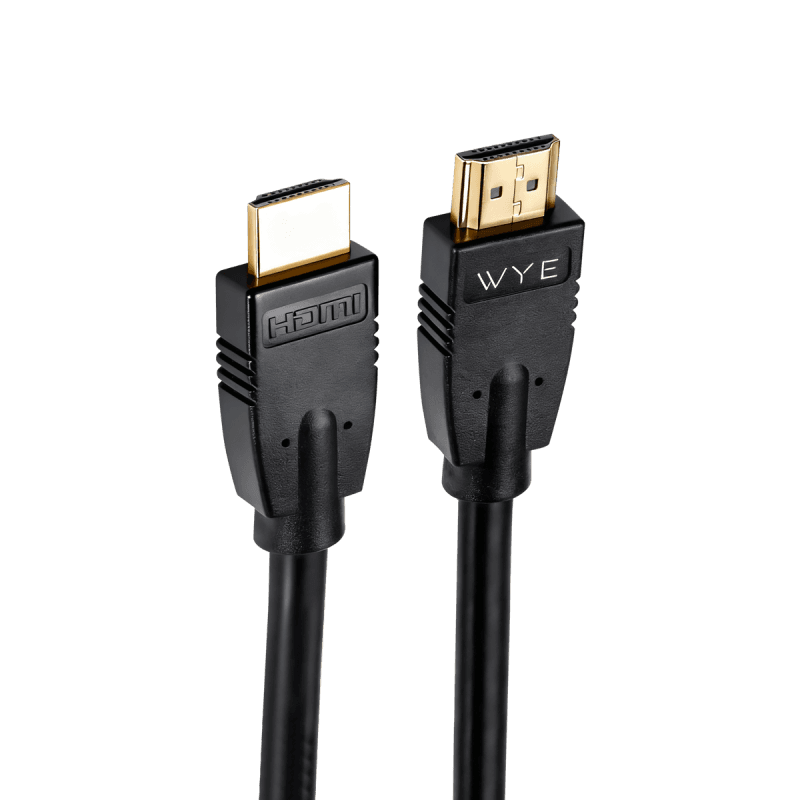
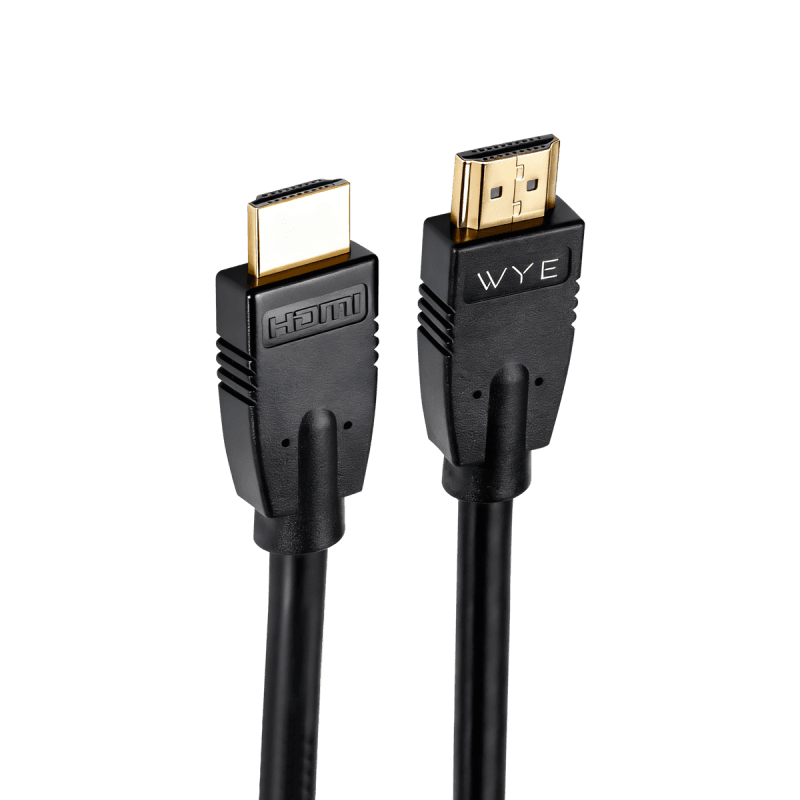
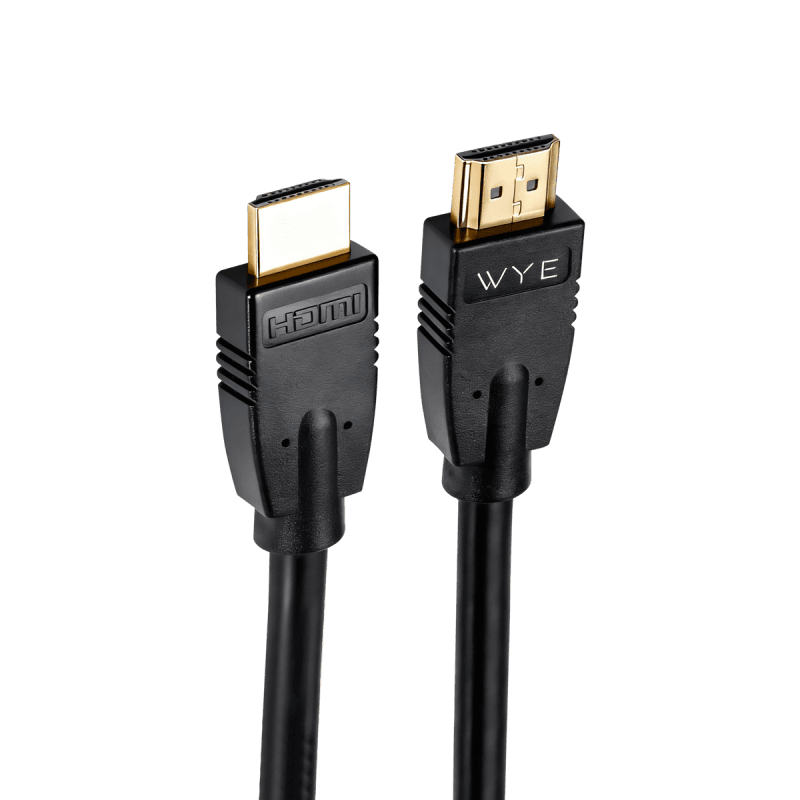
4K Ultra HD Premium High-Speed HDMI Cable 5m
£27.99
We use essential cookies to keep your basket and checkout working. With your permission, we also use analytics to improve the website and marketing cookies to measure our advertising.
Connect TVs, monitors, laptops, games consoles and other compatible devices with cables designed to carry high-quality video and audio. Explore HDMI and other video connection options for home entertainment, gaming, work and everyday viewing.
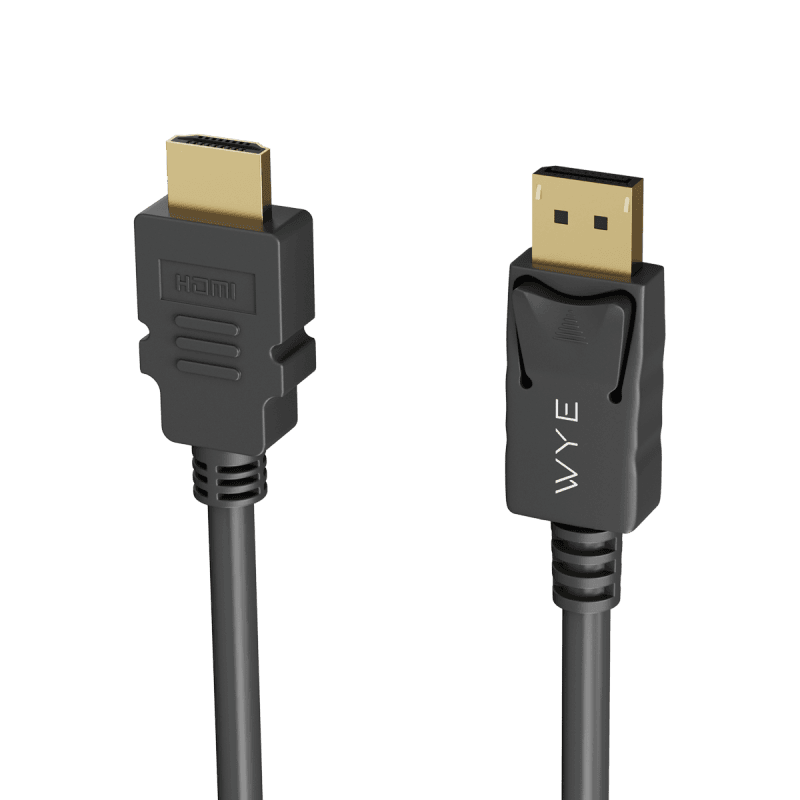
Out of stock
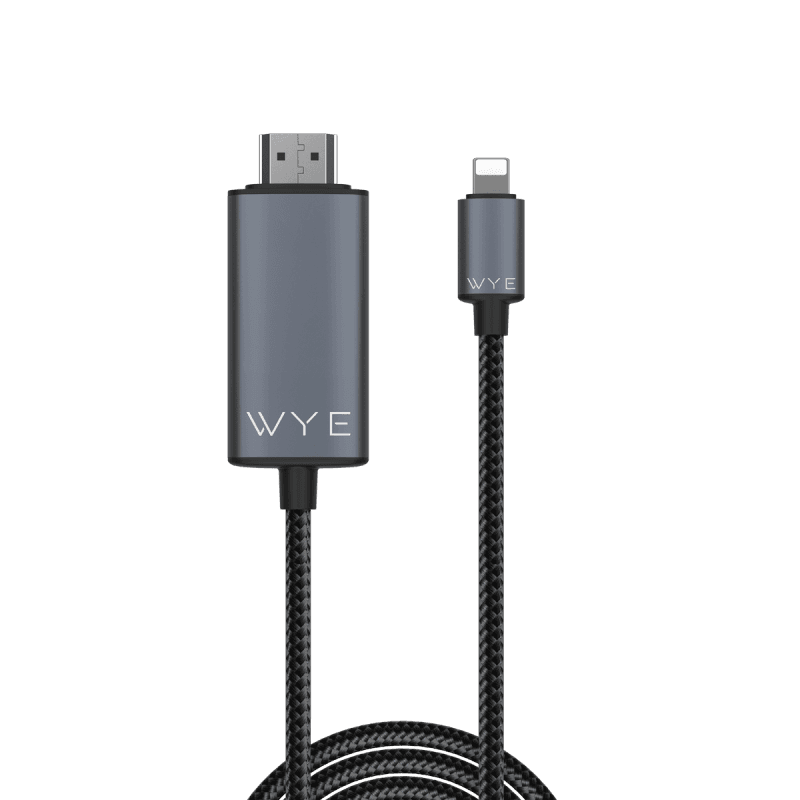
8-Pin to HDMI
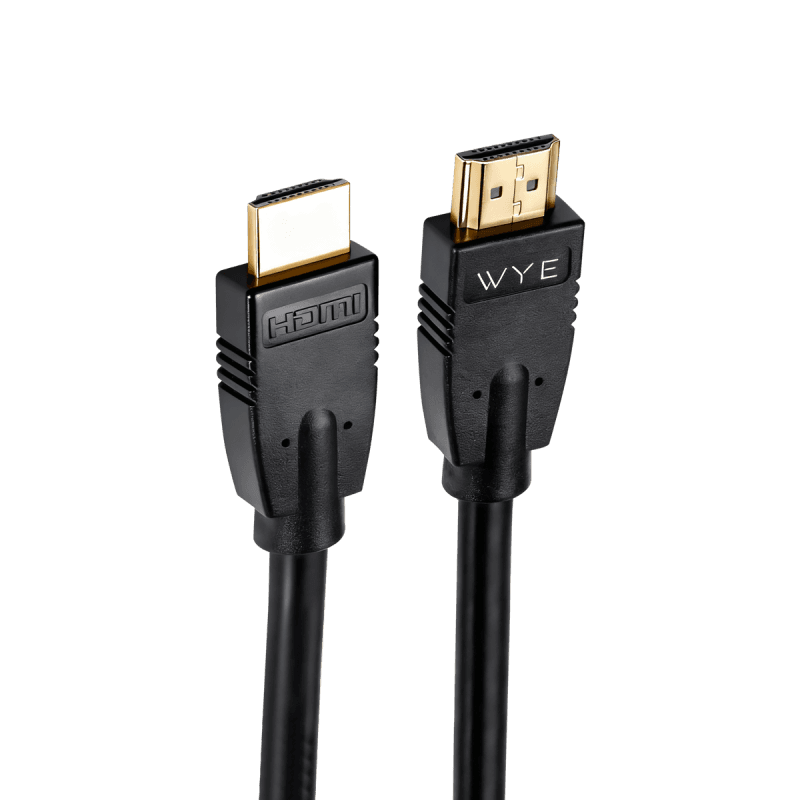
3 Meter
Showing 7 of 7 products
The first thing to check when choosing a video cable is the connector on each device. Make sure the cable matches the ports on the source device and display, or check whether a suitable adapter is required.
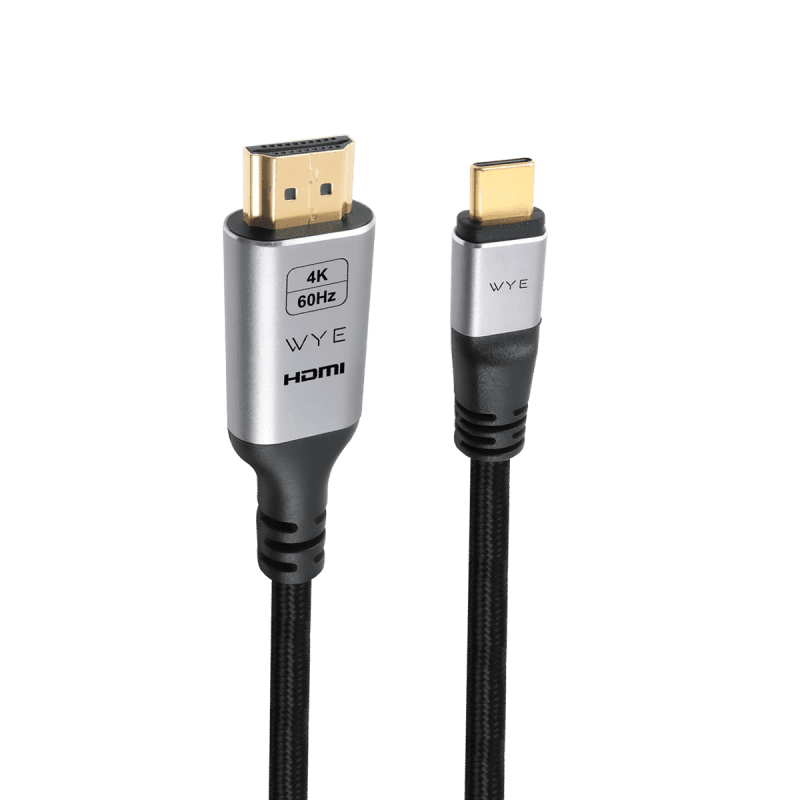
HDMI cables can connect compatible devices such as TVs, monitors, games consoles and other entertainment equipment. WYE also offers video connection options including USB-C to HDMI, DisplayPort to HDMI and 8-Pin to HDMI.
Cable specifications can affect the resolution, refresh rate and other video features available from a compatible setup. If you need a particular resolution or refresh rate, check the specifications of both connected devices and the cable before buying.
Check the ports on both devices you want to connect. The cable needs to match the connection on the source device and display, unless you are using a suitable adapter.
Video cables can connect compatible devices such as TVs, monitors, laptops, games consoles, streaming devices and other entertainment equipment.
Supported HDMI connections can carry both video and audio through the same cable. Check the specifications of the connected devices and cable for the features you need.
Cable length determines how far apart the connected devices can be positioned. Choose a length that provides enough reach for your setup without leaving unnecessary cable.
Not necessarily. The cable and connected devices can affect the resolution, refresh rate and other video features available. Check the specifications before buying if you need a particular display performance.