-(1).jpg&w=3840&q=75)
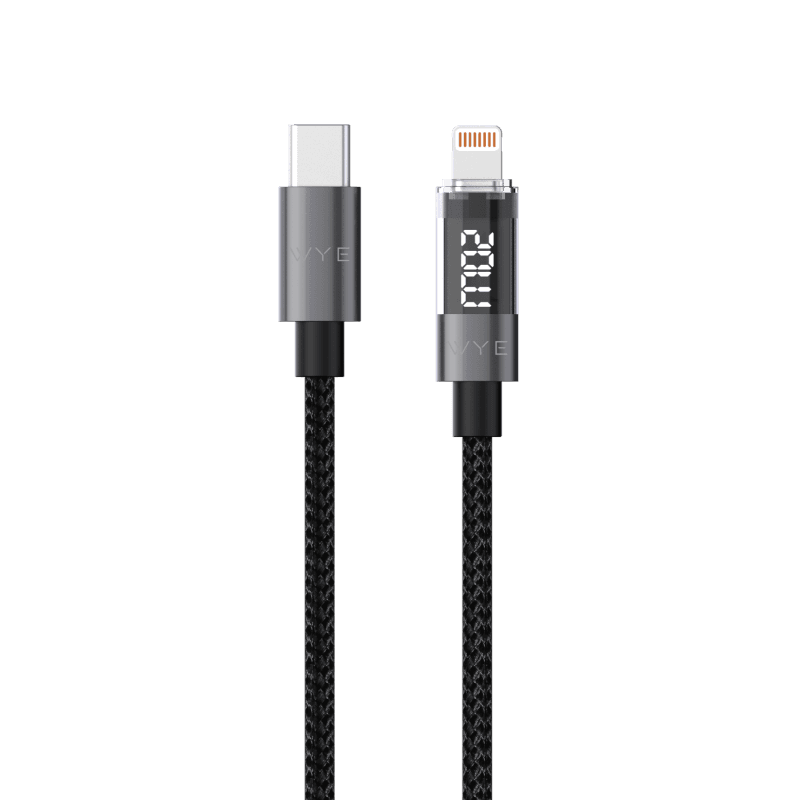
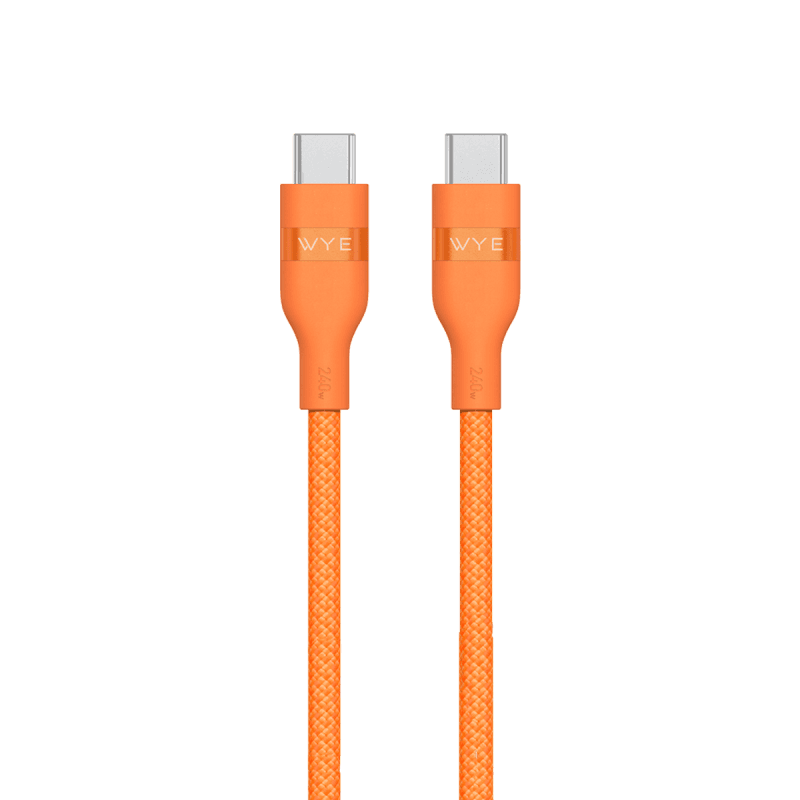
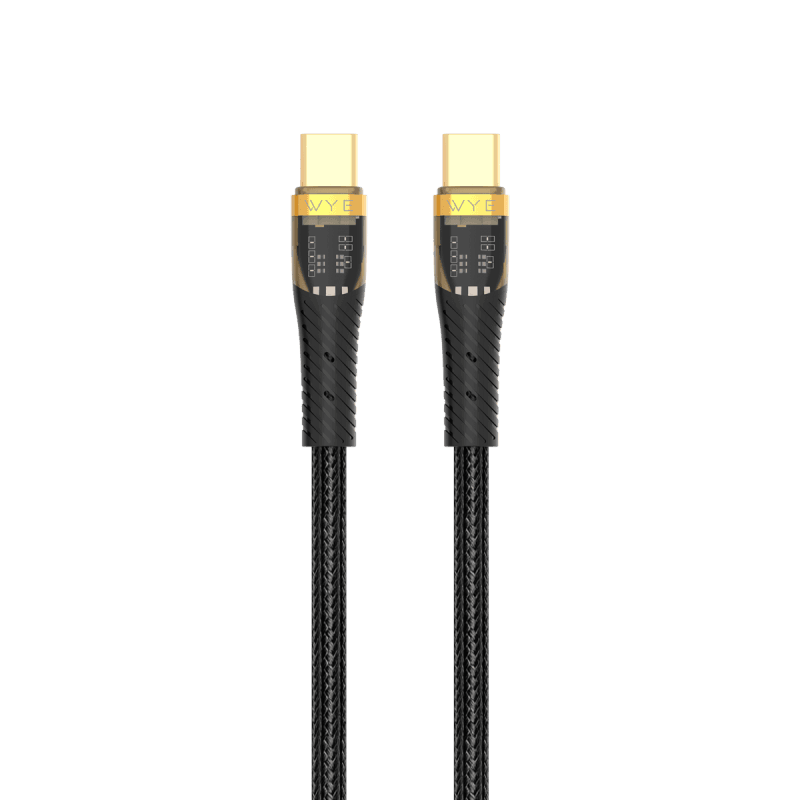
240W Super soft USB-C to USB-C Fast Charging Cable
£29.99
We use essential cookies to keep your basket and checkout working. With your permission, we also use analytics to improve the website and marketing cookies to measure our advertising.
Keep your devices charged and connected with cables designed for everyday use. Explore USB-C, Lightning and other charging and data cables in a range of lengths, connectors and charging capabilities for phones, tablets, laptops and more.
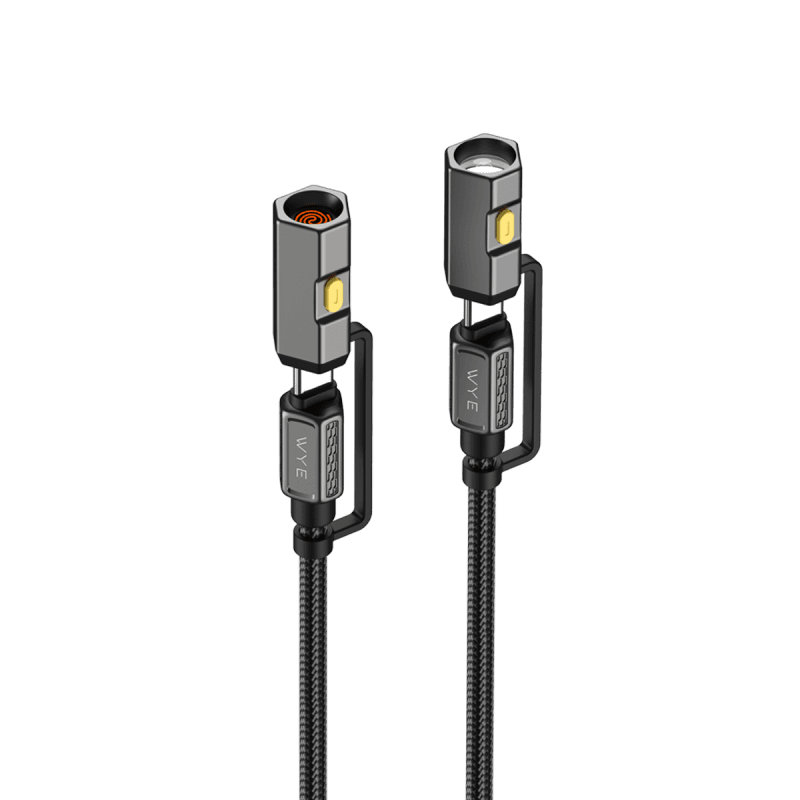
.png&w=3840&q=75)
1 Meter
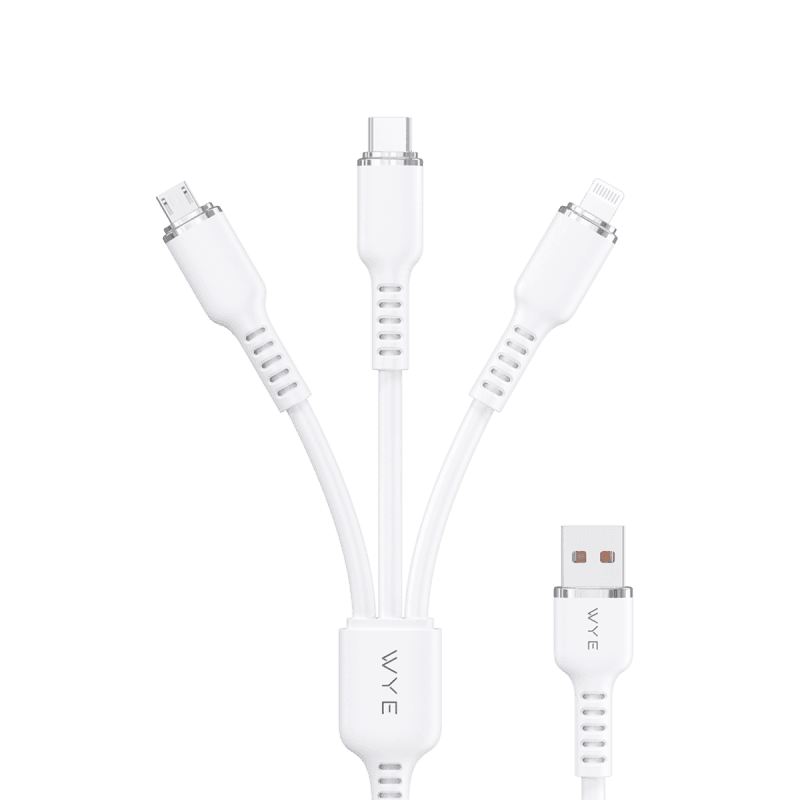
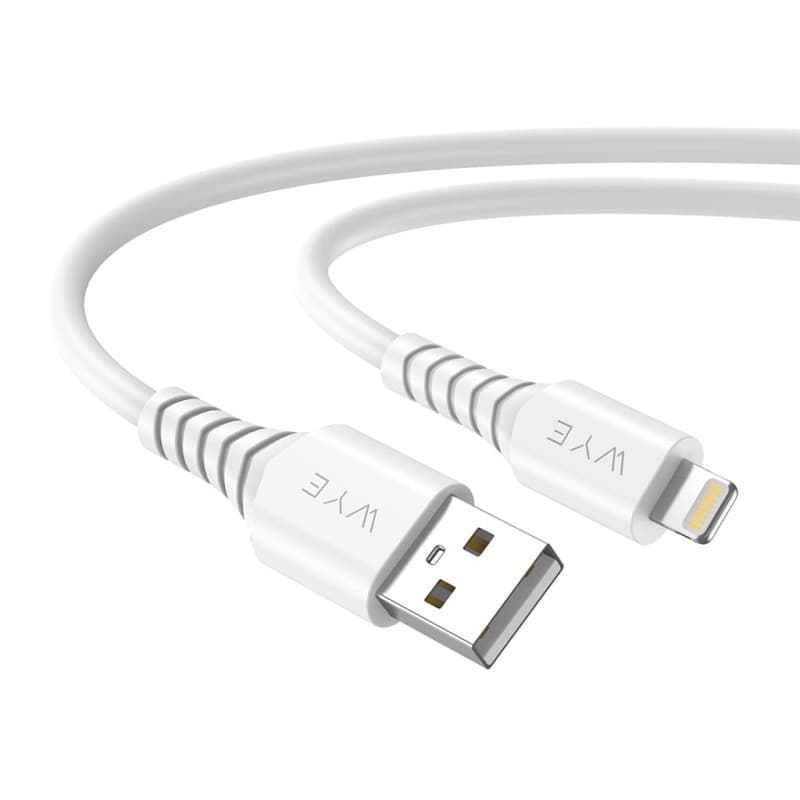
USB-A to 8-Pin
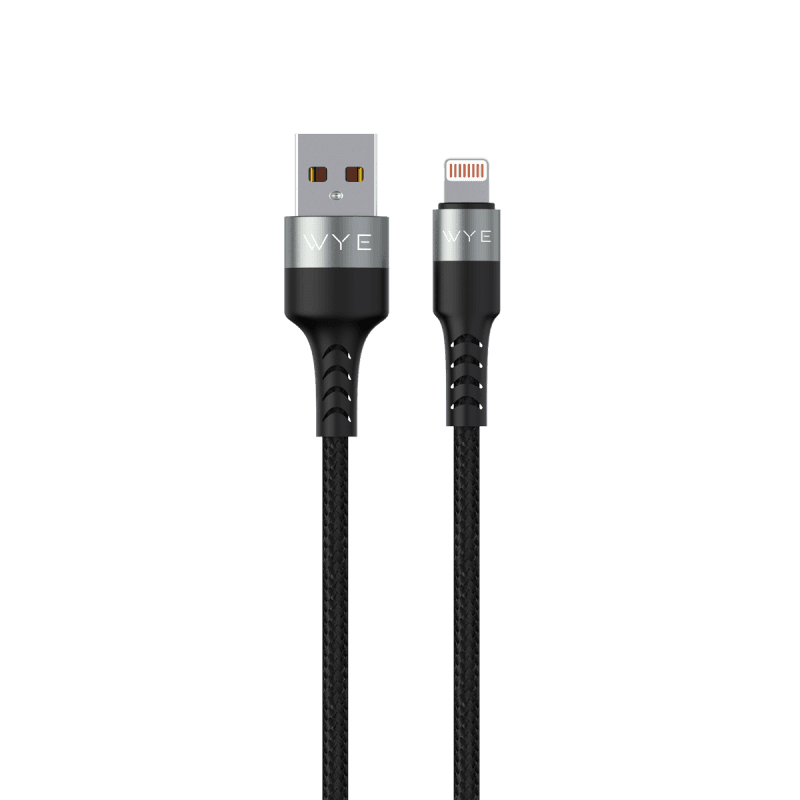
Black
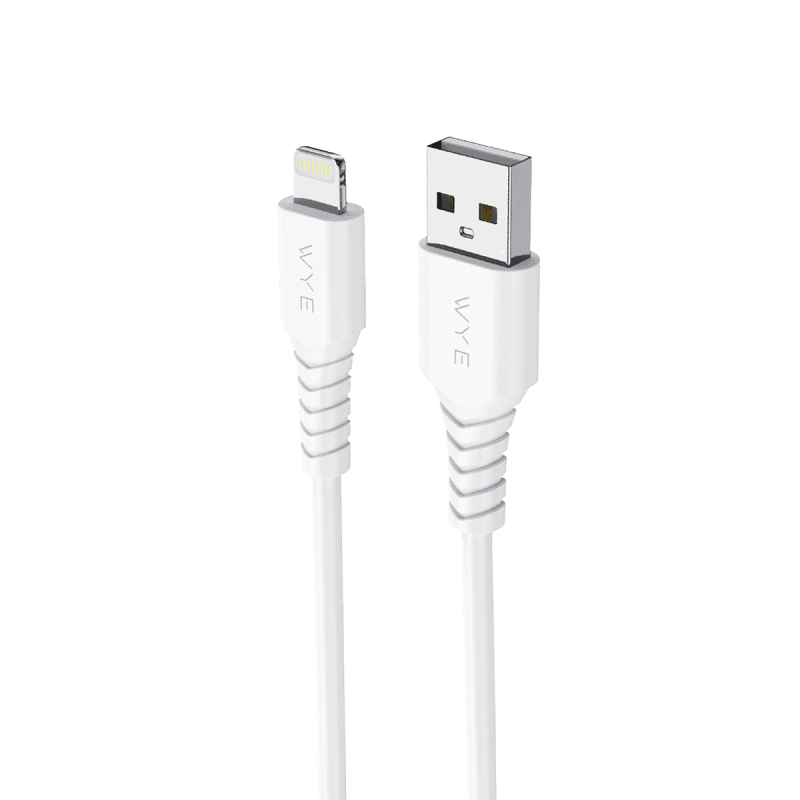
White
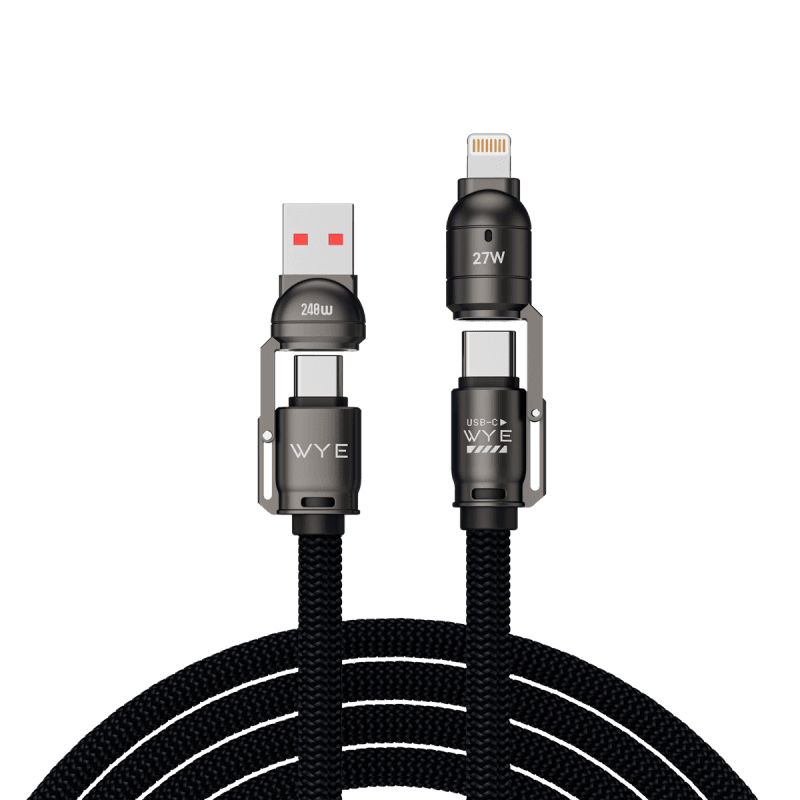
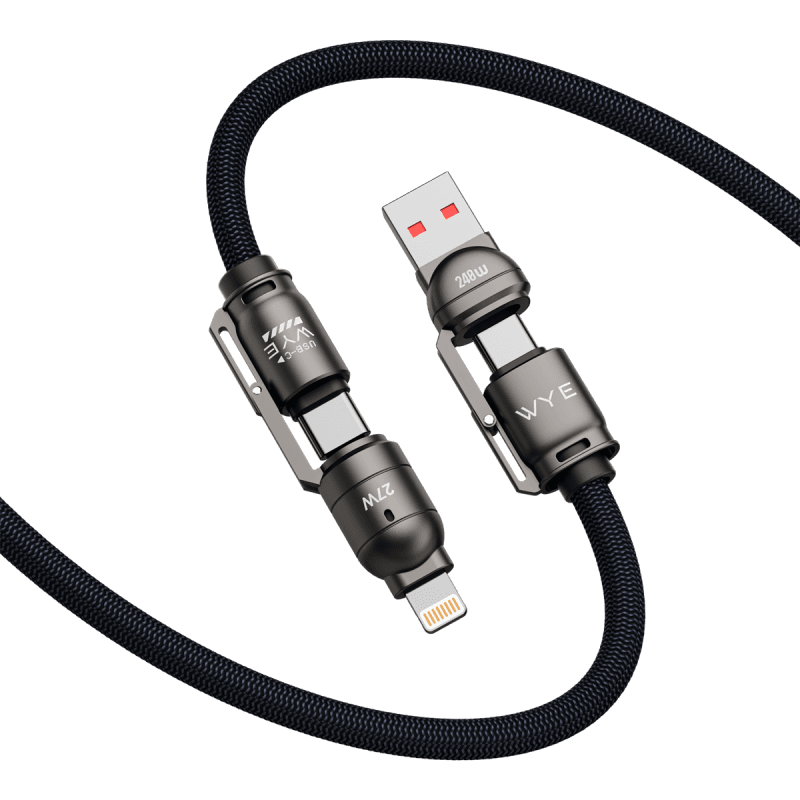
4IN1
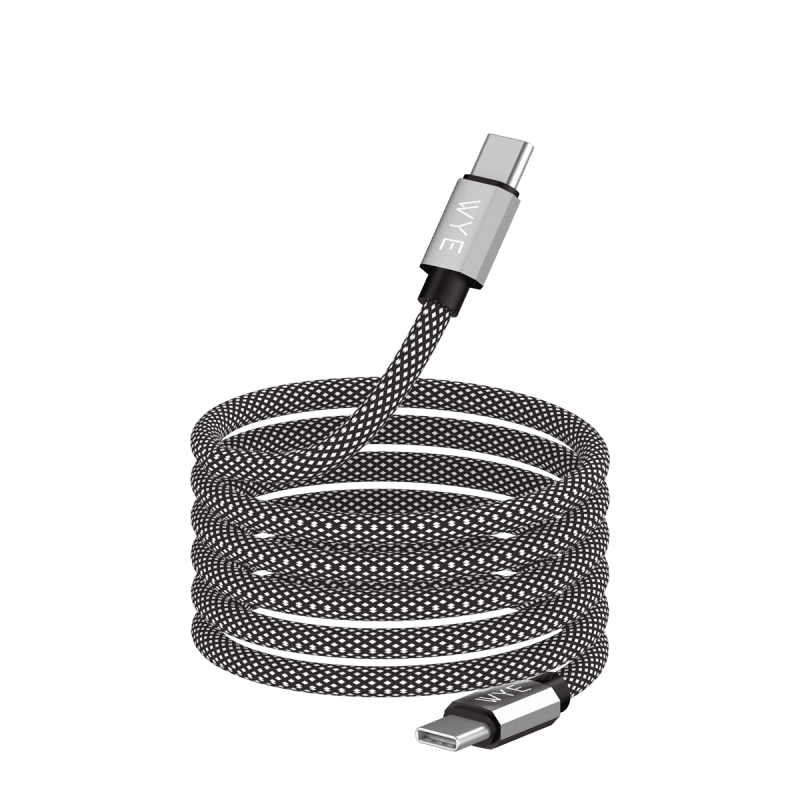
USB-A to USB-C
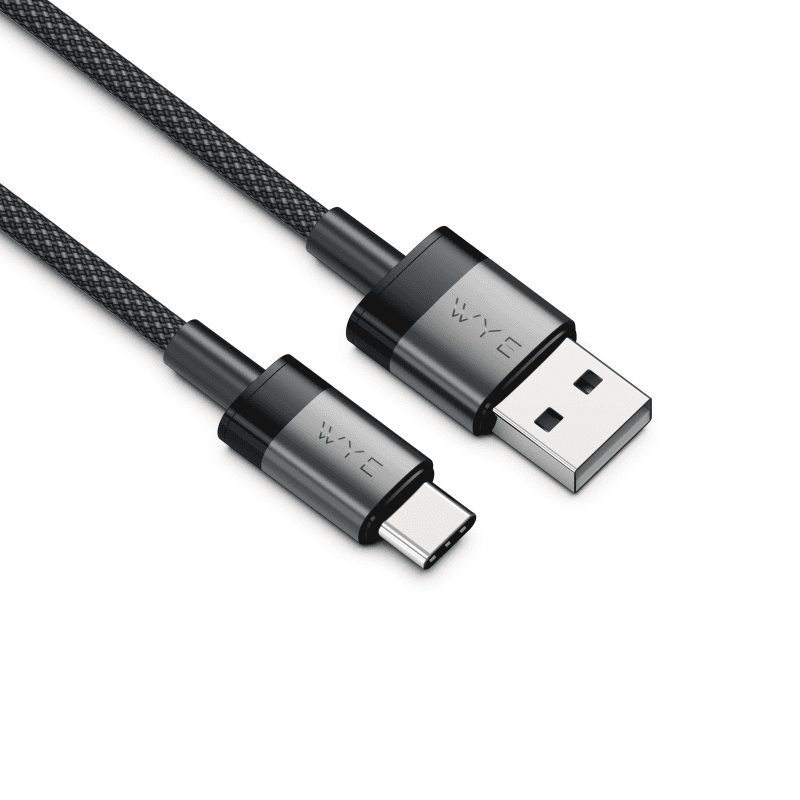
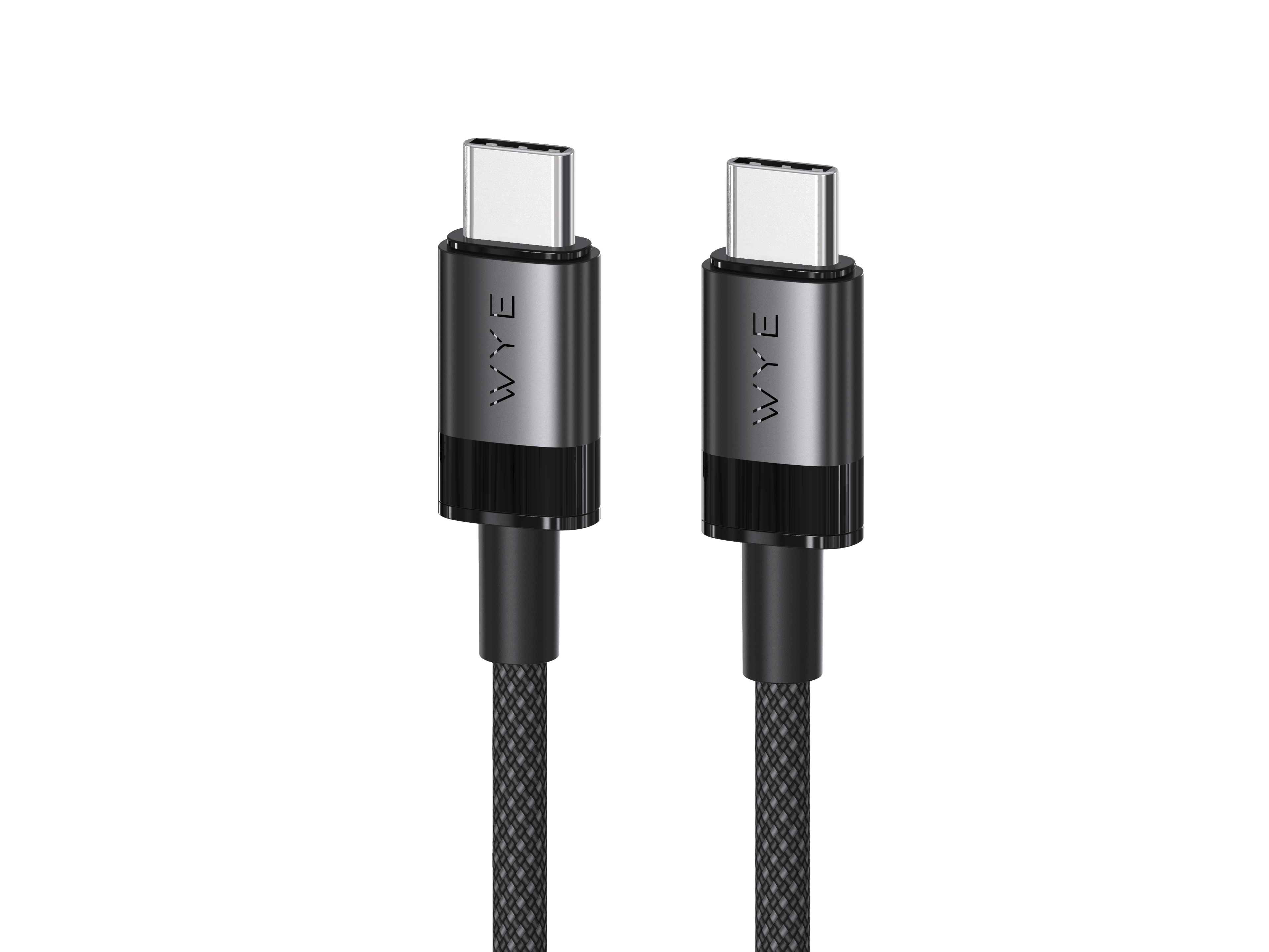
USB-C to USB-C
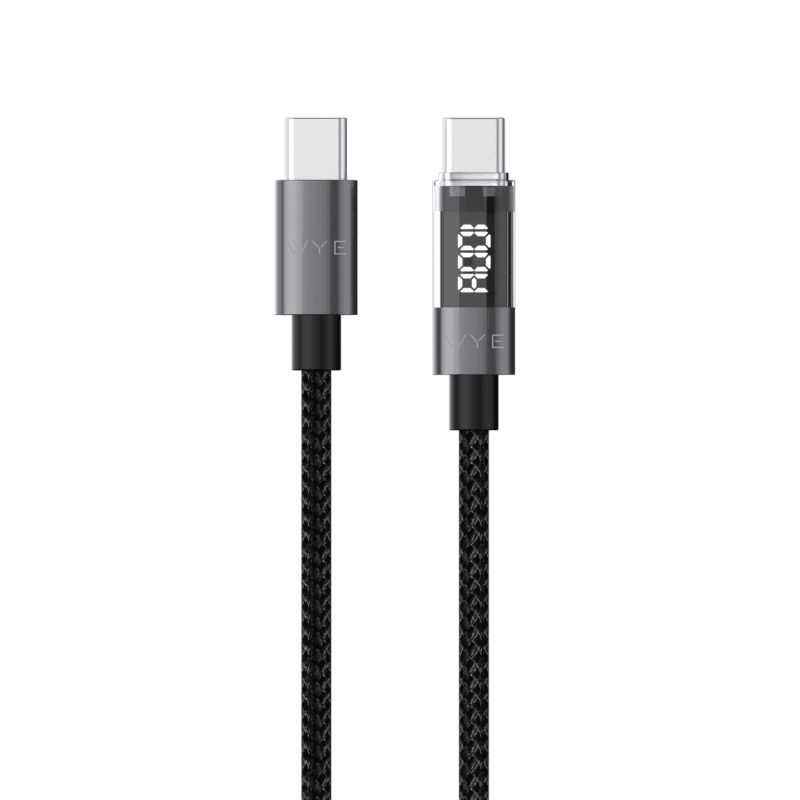
USB-C to 8-Pin
Showing 12 of 27 products
The right charging cable depends on the devices you want to connect, the ports they use and whether you need charging, data transfer or both. USB-C cables are now widely used across smartphones, tablets, laptops, power banks and other devices, while Lightning cables remain compatible with specific Apple devices.
Cable specifications can affect charging speed and power delivery. If you want to take advantage of fast charging, check that the cable supports the power output required by your charger and device. Some cables also support data transfer, allowing you to move files between compatible devices.
Connector type is equally important. Check the ports on both devices before choosing a cable, particularly when connecting two devices with different connector types.
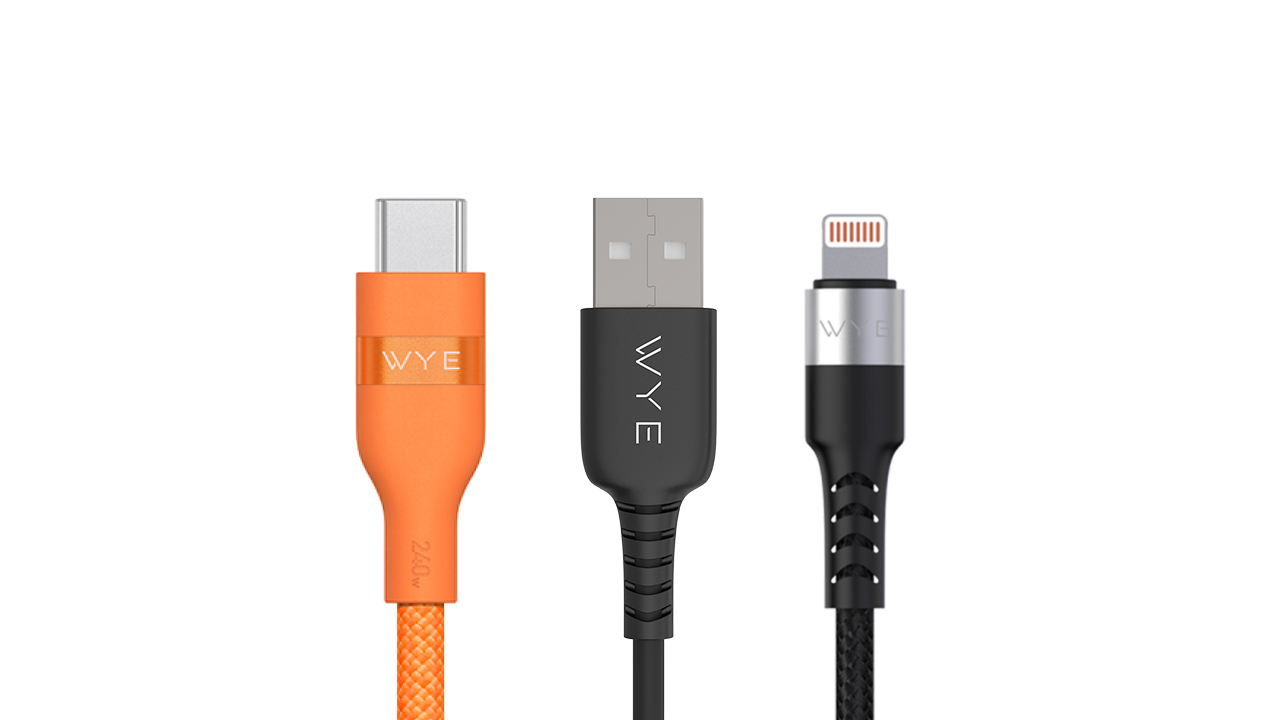
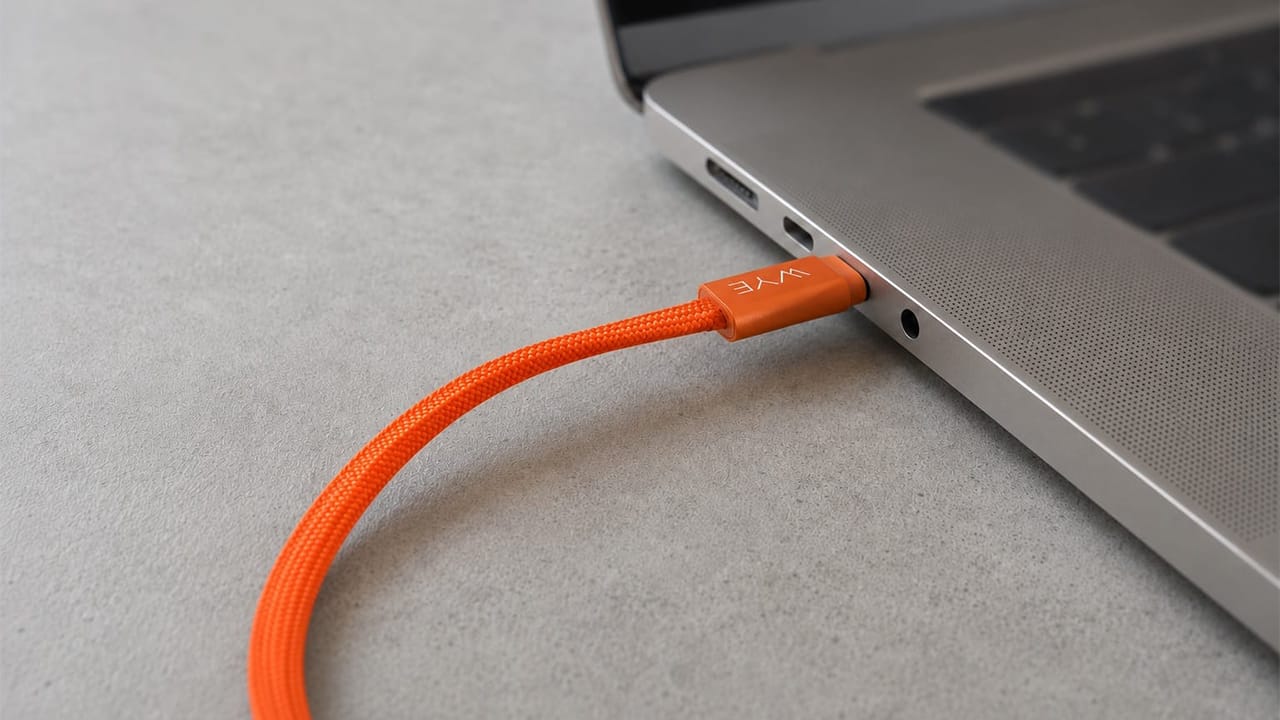

Check the connection on both your device and the power source. Common connections include USB-C, USB-A and Lightning. Some cables use the same connector at both ends, while others connect two different port types.
Your device, power adaptor and cable must all support compatible fast-charging technology. Charging speed will be limited by whichever part of the setup supports the lowest power output.
The wattage indicates the maximum charging power the cable is designed to support. Choose a cable with a suitable rating for your device and adaptor, particularly when charging laptops or other higher-powered equipment.
No. Some cables are designed primarily for charging, while others support both charging and data transfer. Check the individual product specification if you need to transfer files or connect devices for data use.
Many laptops can charge through USB-C, but the cable and power adaptor must provide enough power for that particular device. Check the laptop manufacturer’s requirements and the cable’s supported wattage before use.
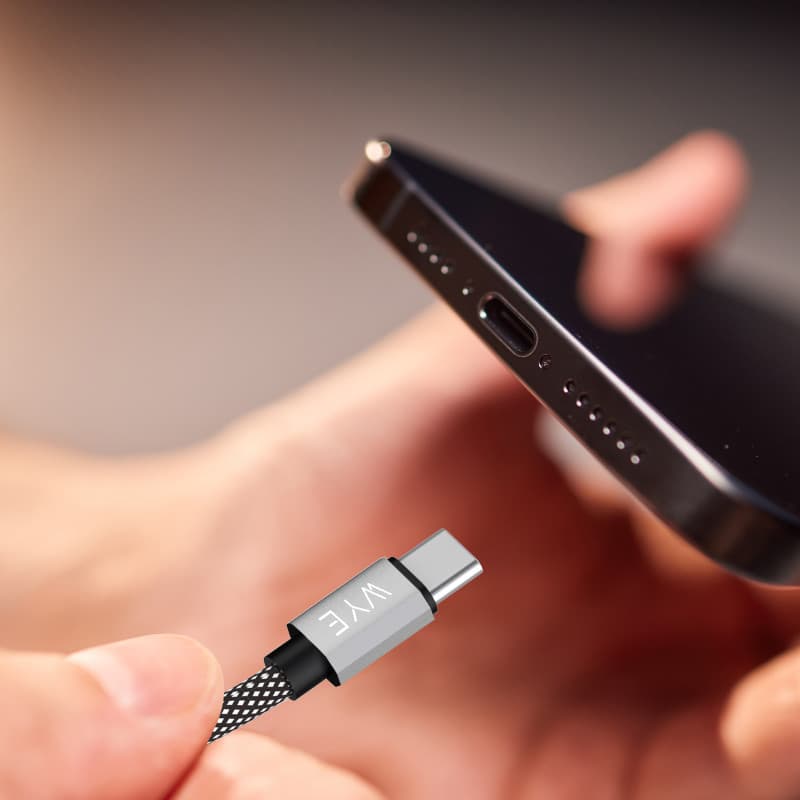
The connection varies by device and model. Many newer Apple devices use USB-C, while some earlier iPhone, iPad and accessory models use Lightning. Check the port on your device before choosing a cable.
.png&w=3840&q=75)
-(1)-(1).jpg&w=3840&q=75)
.png&w=3840&q=75)
.jpg&w=3840&q=75)